Ajax Content Filter WordPress Plugin
Filter The Content Using Ajax
Now you can simply filter your content Using Ajax Post Content Filter. Ajax Post Content Filter allows you to filter your content with dropdown box. Just install the plugin, activate and open the ACF Posts located in the left side menu bar. You need to add new ACF posts by filling up the post title and placing your content in the editor then publish it.
Simply put the shortcode [ACF] in a page or post in admin or you can put the shortcode ajax_content_filter(); in your template file . You will got the simple dropdown box on your page at front side. Just select your post created in the plugin's post and you'll get the content of your particular post. For more products : http://www.store.perceptionsystem.com/wordpress-theme-mobile-app-promption-themes-red.html<
ajax filter
change content
content filter
display content using ajax
filerable post content
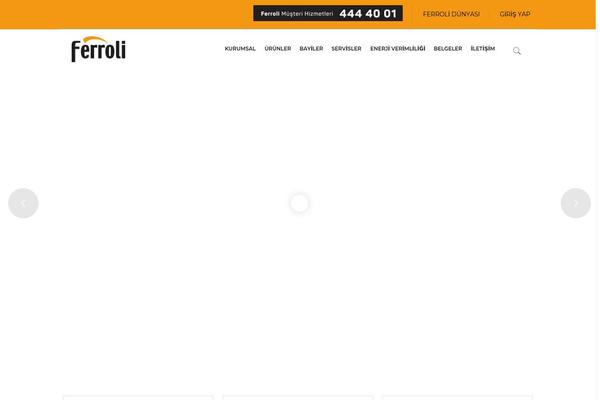
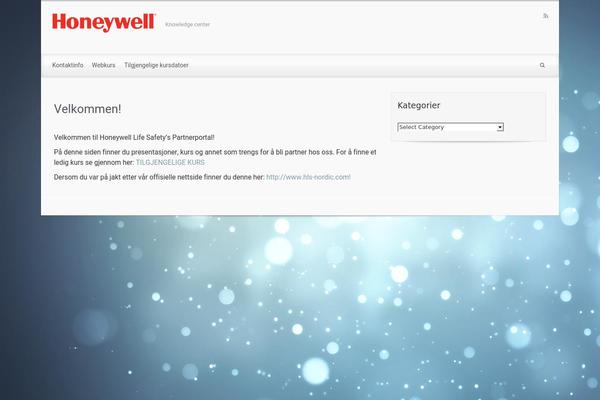

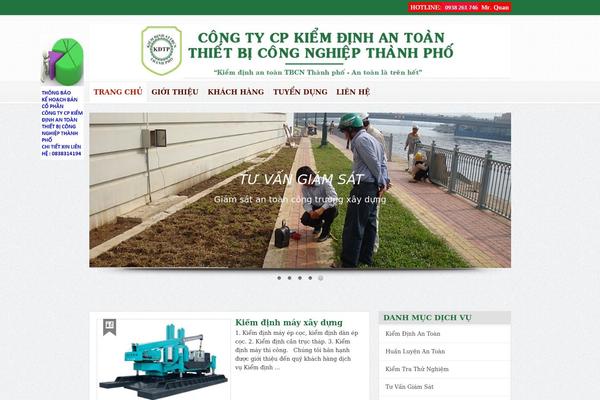
Sites running Ajax Content Filter, click to open one
Plugins with a similar footprint
Ranked by how many sites run them — a quick way to compare alternatives.


Usage of Ajax Content Filter over time
June 2023 — July 2024Between June 2023 and July 2024 the number of sites running this plugin went from 8 to 3 — down 5 (-62.5%).
| Month | Sites | Change |
|---|---|---|
| July 2024 | 3 | +0 |
| June 2024 | 3 | +1 |
| May 2024 | 2 | +0 |
| April 2024 | 2 | -1 |
| March 2024 | 3 | +0 |
| February 2024 | 3 | +0 |
| January 2024 | 3 | -1 |
| December 2023 | 4 | +0 |
| November 2023 | 4 | +0 |
| October 2023 | 4 | -1 |
| September 2023 | 5 | -3 |
| August 2023 | 8 | +0 |
| July 2023 | 8 | +0 |
| June 2023 | 8 | — |
Sites running Ajax Content Filter
All sites in the collection3 examples from the collection. Open any site to see the theme and plugins we found on it.