
BOOKVIEWER WordPress Plugin
The plugin BookViewer allows to visitors to consult somes pages of edocument that you want to promote in yours wordpress blog.
The original document is pdf file or word file.
In order that the plugins works, each pages of the documents shown as samples need to be converted in jpg images.
The images have to be stored in a wordpress folder /wp-content/uploads/booksamples/Once the plugin is installed and activated, the user put a shortcode in his post/page. The shortcode is shown as a link that the visitor
can click.
When the link is clicked on, the first page of the images samples appears. Buttons installed below the page allows visiting pages througth the book.The plugin provides an option to protect any attempt screen capture or rightclick image view, prohibiting the visitors steal the contents of yours edocument.
In the option page, users can adjust cross fading between the page swiching, and can choice the backdrop colo
Ebook presentation
Edoc sample
Edocumentation presentation
ONLINE Ebook promotion
pdf
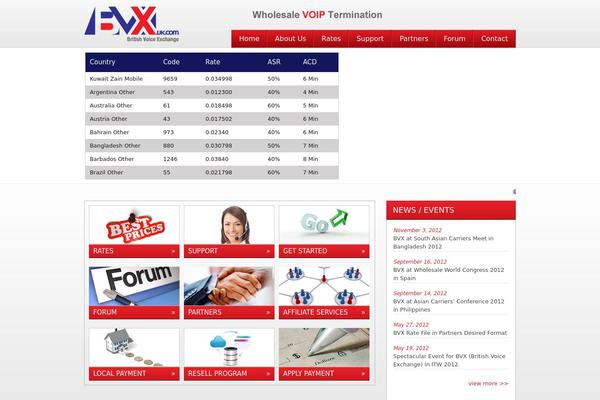




Sites running BOOKVIEWER, click to open one
Plugins with a similar footprint
Ranked by how many sites run them — a quick way to compare alternatives.



Usage of BOOKVIEWER over time
June 2023 — July 2024Between June 2023 and July 2024 the number of sites running this plugin went from 12 to 8 — down 4 (-33.3%).
| Month | Sites | Change |
|---|---|---|
| July 2024 | 8 | +0 |
| June 2024 | 8 | +0 |
| May 2024 | 8 | +0 |
| April 2024 | 8 | +0 |
| March 2024 | 8 | -1 |
| February 2024 | 9 | +0 |
| January 2024 | 9 | +0 |
| December 2023 | 9 | -1 |
| November 2023 | 10 | +0 |
| October 2023 | 10 | -1 |
| September 2023 | 11 | -1 |
| August 2023 | 12 | +0 |
| July 2023 | 12 | +0 |
| June 2023 | 12 | — |
Sites running BOOKVIEWER
All sites in the collection8 examples from the collection. Open any site to see the theme and plugins we found on it.