
CSS3 Buttons WordPress Plugin
Add coloured CSS3 buttons on your posts using simply a shortcode.
You will be able to configure the color, size, link and link's target of each button and even add a defaut button for many posts.
To use it, just take a look on the plugin's configuration page which contains all the informations and settings for the default button.
Add the button by using [button color= size= link= target=]text that will be shown as button's value[/button]
Attributes that can be used:
* color: There is 7 different colors: pink, magenta, green, red, orange, blue and yellow
* size: There is 4 different sizes: small, medium, large and super
* link: The link of the button. Example: Your site's URL http://mysite.com
* target: The link's targeted window, can be: blank, new, parent, self or top
Exemple: [button color=blue size=super link=http://twitter.com/tunilame]Follow me![/button]
button
css3
posts
shortcode



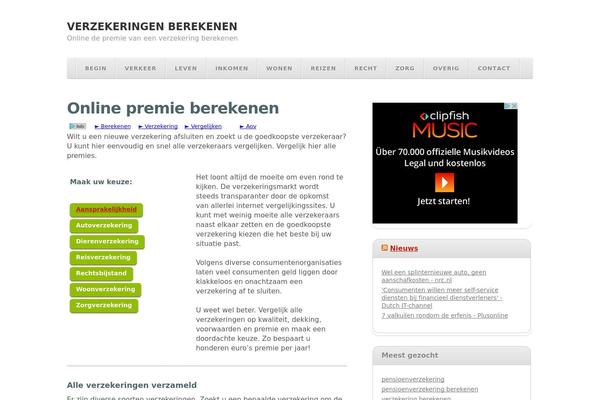
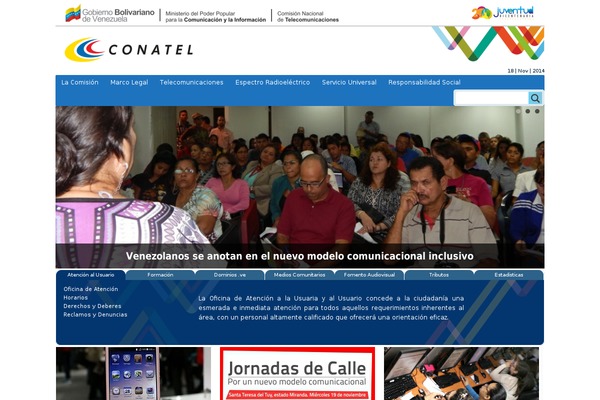
Sites running CSS3 Buttons, click to open one
Plugins with a similar footprint
Ranked by how many sites run them — a quick way to compare alternatives.


Usage of CSS3 Buttons over time
June 2023 — July 2024Between June 2023 and July 2024 the number of sites running this plugin went from 7 to 4 — down 3 (-42.9%).
| Month | Sites | Change |
|---|---|---|
| July 2024 | 4 | +0 |
| June 2024 | 4 | +0 |
| May 2024 | 4 | +0 |
| April 2024 | 4 | +0 |
| March 2024 | 4 | -1 |
| February 2024 | 5 | +0 |
| January 2024 | 5 | -1 |
| December 2023 | 6 | -1 |
| November 2023 | 7 | +0 |
| October 2023 | 7 | +0 |
| September 2023 | 7 | +0 |
| August 2023 | 7 | +0 |
| July 2023 | 7 | +0 |
| June 2023 | 7 | — |
Sites running CSS3 Buttons
All sites in the collection4 examples from the collection. Open any site to see the theme and plugins we found on it.