
Facebook Panel WordPress Plugin
Let your visitors like, comment and share on facebook from a neat slide-in panel.
The Facebook Panel plugin sticks a Facebook icon to the left edge of the window, across every page of the site. When the icon is clicked, a panel comes sliding in featuring the official Facebook Like and Share buttons and Comments widget.
Currently, the following customization options are available: 1. Site owners can activate/deactivate the plugin from within the options page 2. Site owners can adjust the width of the panel 3. Site owners can choose between two modes: (a) "OVER" --> the panel slides in from the left, overlying the page. (b) "UNDER" --> the page slides out to the right, revealing the panel underneath.
Further options are planned for later releases.
comment
Facebook
Like
panel
send
Share
slide-in pane
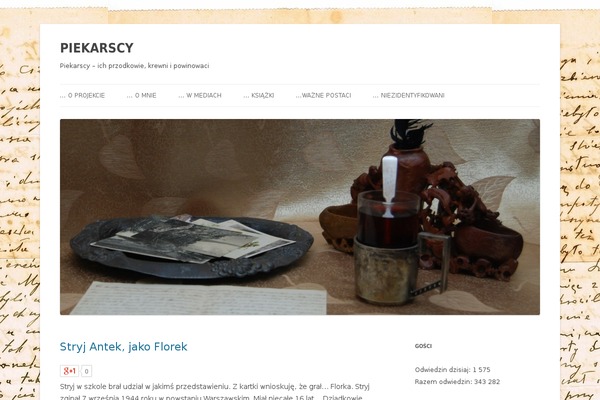
Sites running Facebook Panel, click to open one
Plugins with a similar footprint
Ranked by how many sites run them — a quick way to compare alternatives.
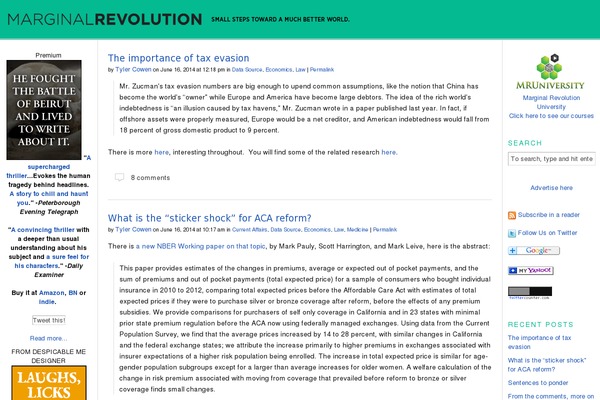


Usage of Facebook Panel over time
June 2023 — July 2024Between June 2023 and July 2024 the number of sites running this plugin went from 1 to 1 — up 0 (+0%).
| Month | Sites | Change |
|---|---|---|
| July 2024 | 1 | +0 |
| June 2024 | 1 | +0 |
| May 2024 | 1 | +0 |
| April 2024 | 1 | +0 |
| March 2024 | 1 | +0 |
| February 2024 | 1 | +0 |
| January 2024 | 1 | +0 |
| December 2023 | 1 | +0 |
| November 2023 | 1 | +0 |
| October 2023 | 1 | +0 |
| September 2023 | 1 | +0 |
| August 2023 | 1 | +0 |
| July 2023 | 1 | +0 |
| June 2023 | 1 | — |
Sites running Facebook Panel
All sites in the collection1 examples from the collection. Open any site to see the theme and plugins we found on it.