Wp Fixed Ad code WordPress Plugin
Simple Plugin to Show fixed content in both sides of your website .
WP Fixed Ad code : Simple Plugin to Show fixed content in both sides of your website .
Installation Guide:
1.Upload the plugin to your blog and just activate it.
2.Goto your Settings->WP Fixed Ad code and then Edit its data as per requirement.
Right and Left Fixed Ad Slots
wordpress Fixed Ad code



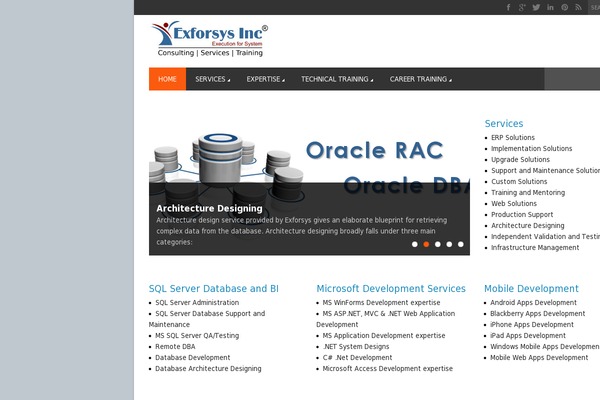
Sites running Wp Fixed Ad code, click to open one
Plugins with a similar footprint
Ranked by how many sites run them — a quick way to compare alternatives.



Usage of Wp Fixed Ad code over time
June 2023 — July 2024Between June 2023 and July 2024 the number of sites running this plugin went from 4 to 3 — down 1 (-25%).
| Month | Sites | Change |
|---|---|---|
| July 2024 | 3 | +0 |
| June 2024 | 3 | +0 |
| May 2024 | 3 | +0 |
| April 2024 | 3 | +0 |
| March 2024 | 3 | +0 |
| February 2024 | 3 | +0 |
| January 2024 | 3 | +0 |
| December 2023 | 3 | +1 |
| November 2023 | 2 | +0 |
| October 2023 | 2 | -1 |
| September 2023 | 3 | +0 |
| August 2023 | 3 | -1 |
| July 2023 | 4 | +0 |
| June 2023 | 4 | — |
Sites running Wp Fixed Ad code
All sites in the collection3 examples from the collection. Open any site to see the theme and plugins we found on it.