
xwolf Progress Bar WordPress Plugin
Displays a textbox with progress bars into a widget or a textbox.
Content for those bars will get by a simple csv-file on a given URL.
Displays one or more progress bars. All progress bars get data by an external source (URL) and will be automatically updated.
Use as widget
Simply add the progress bar widget to the sidebar you want to display it. Within the widget you can set a title and an URL and other optional settings.
Use as shortcode within articles and pages
To use the progress bars add a shortcode like this:
[progressbar url="http://your.url/data.csv"]Additional attributes:
- color - set a color out of green, blue, red, orange
- unitstr - string to add a unit
- rounded - make bars and box with rounded borders
- total - show total numbers
- numbers - show numbers of each bar
- numberbar - no break between bar and numbers
- html5 - use HTML5 progress-tag.
Exampl
data
progress
statictics
widget

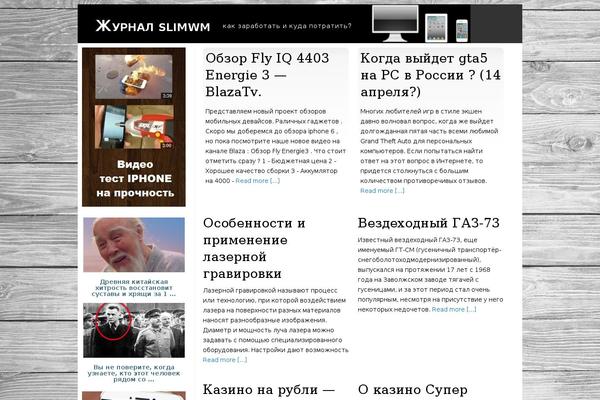



Sites running xwolf Progress Bar, click to open one
Plugins with a similar footprint
Ranked by how many sites run them — a quick way to compare alternatives.



Usage of xwolf Progress Bar over time
June 2023 — July 2024Between June 2023 and July 2024 the number of sites running this plugin went from 7 to 5 — down 2 (-28.6%).
| Month | Sites | Change |
|---|---|---|
| July 2024 | 5 | -1 |
| June 2024 | 6 | +0 |
| May 2024 | 6 | +0 |
| April 2024 | 6 | +0 |
| March 2024 | 6 | +1 |
| February 2024 | 5 | +0 |
| January 2024 | 5 | -1 |
| December 2023 | 6 | +1 |
| November 2023 | 5 | +0 |
| October 2023 | 5 | -1 |
| September 2023 | 6 | +0 |
| August 2023 | 6 | -1 |
| July 2023 | 7 | +0 |
| June 2023 | 7 | — |
Sites running xwolf Progress Bar
All sites in the collection5 examples from the collection. Open any site to see the theme and plugins we found on it.